Ser
Snap: Full (20px)
Grid: 20px
Vertex Mode

Message Strip

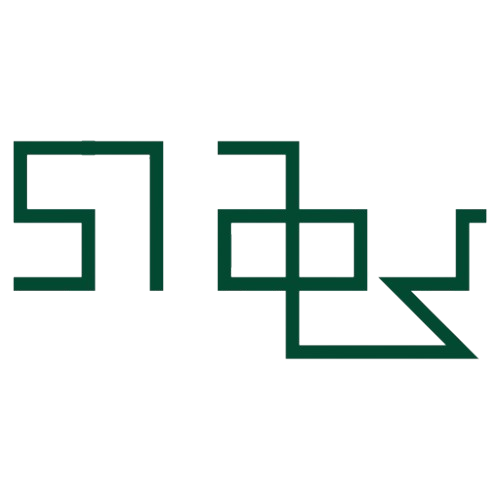
Character Viewer

Select a character from the strip to view it larger
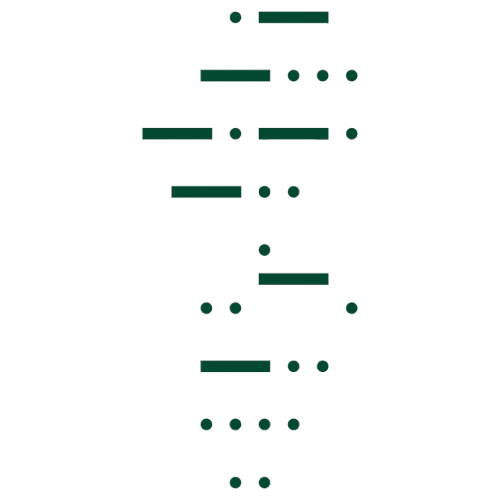
Morse Code

Letters → dots & dashes. Space separates words. Use the play button to hear the tone.

Select an Odu
Tap an Odu to view/edit its binary pattern.

All 256 Odu patterns (8-bit). Tap bits to toggle; names are placeholders to fill in.
How to use Ser

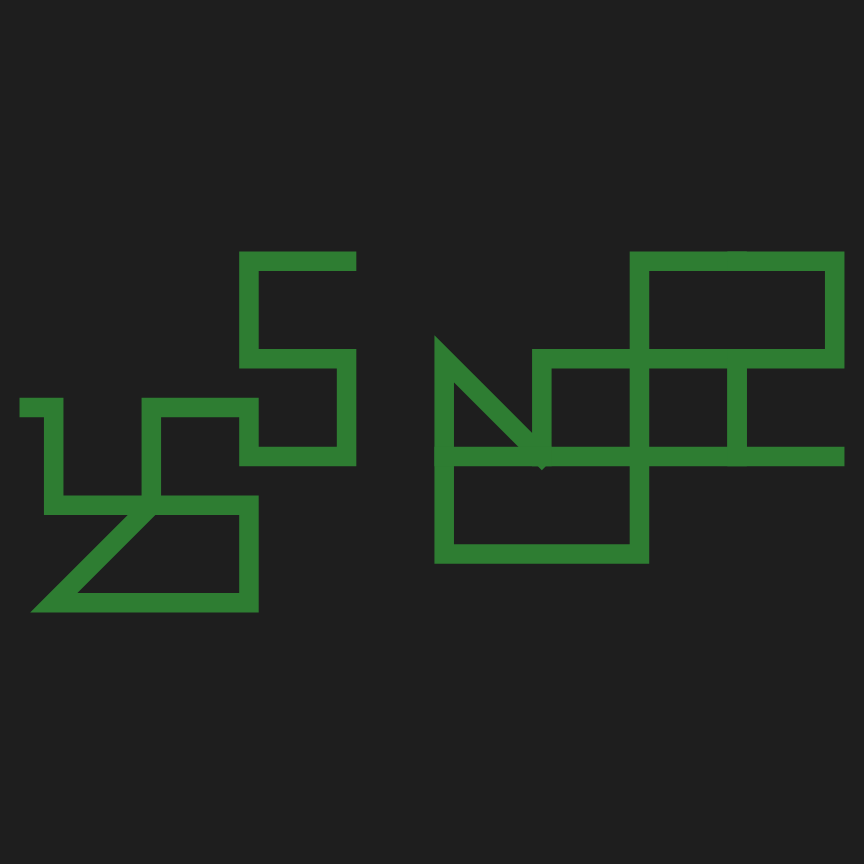
Vertex mode: Click to add connected vertices that form a character. Double-click to finish a stroke.
Drag mode: Click and drag to draw strokes freely. Left mouse draws, right mouse erases while dragging.

Space / Enter: Send the drawn character to the message strip.
Ctrl: Toggle diagonal mode while held.
Shift: Toggle MiniSnap (half-grid) while held.
Double-click: Finish vertex stroke or create a dot.
Right-click: Delete a nearby vertex.
Esc: Cancel the current vertex stroke.
Backspace: Remove last vertex / clear canvas.
Ctrl+Z / Ctrl+Y: Undo / Redo.

Message Strip: Drag tiles to reorder. Click × to delete. Click ⬇ to export as SVG, PNG, or JPEG. Use the Text input button to type Mandombe Unicode characters directly.

Ser

Choose a mode to begin